Types into every inbox, CRM, and gallery tool you already run your business on


Hold one key and talk. The booking reply, the gallery note, the timeline change, spoken the way you'd say it to a client's face, typed at your cursor in any app. Entirely on your Mac.
Press and hold the pill, then let go. That is the whole app.
Types into every inbox, CRM, and gallery tool you already run your business on
You didn't start a photography business to become a customer service rep who also edits eight hundred RAW files a week. But the inbox doesn't know that. Here's the day it gives you, and the day you could have instead.
Three new booking inquiries overnight. You read them in bed. You'll reply later. You won't.
Shoot. Phone buzzing in the bag. A bride wants to move the ceremony time. It waits.
Back home. You open Gmail, start typing a reply, get halfway, and Lightroom finishes an export. You switch. The draft dies.
Culling. The four-paragraph client's email sits open in a tab, radiating guilt.
Everyone's asleep. You type replies, tired, at 40 words a minute, and they come out shorter and colder than you meant.
Bed. Tomorrow's inquiries are already loading.
The clients were never the problem. The keyboard was.
Coffee in one hand. Hold ⌥Space, talk through all three booking replies the way you'd say them on a call. Sent before the mug is empty.
Shoot. Fully present. Nothing is festering.
While the cards back up, you dictate the ceremony-time change and a warm note to the bride. Ninety seconds, hands never leave the desk.
The four-paragraph client gets a four-paragraph answer, spoken point by point while you stretch. It reads like you, because it is you.
Inbox zero by dinner. Gallery notes dictated while the sessions are still fresh in your head.
You're asleep. The business kept up with you for once.
Same words. Same warmth. A third of the time.
The difference isn't discipline or a new inbox system. It's that speaking is roughly three times faster than typing, and every client message you send is words.
Not a template. Not a rushed two-liner sent at midnight with a typo in the client's name. A complete, warm, specific reply, spoken out loud while the shoot was backing up, punctuated and capitalized before you let go of the key.
This is the note clients screenshot and send to their friends. It's also the note that books the friend.
You already know how to talk to clients. That was never the missing skill. OpenWhisper just removes the keyboard standing between how you talk and what you send.
Hi Priya, hi Dev,
Your gallery from Saturday is ready, and I have to say, the ones on the bluff right as the light went gold might be some of my favorites all year. The private link is below and stays live for 60 days, so no rush.
If you'd like prints or an album, just reply here and I'll walk you through sizes. And for the wedding timeline, I've noted the ceremony moving to 4:30, so golden hour portraits still fit perfectly.
Talk soon,
Mara
The average person types around 40 words a minute and speaks around 150. Nearly everything you send a client is words. Run those two numbers over a week of booking replies, delivery notes, DMs, and captions, and the shape of your evenings changes.
One-handed, gear bag on your shoulder, standing in a parking lot between sessions. Typing was never built for this life.
Talk the reply the way you'd say it to the client's face. Capitalization, punctuation, and cleanup happen as you go.
An hour of typed admin becomes roughly twenty minutes of spoken admin. The rest goes back to shooting, editing, or being off the clock.
Typical adult rates for conversational English, shown as an honest illustration, not a promise. Your mileage will be personal. If you write a lot of client email, it will also be dramatic.
No app to open, no window to find. It lives in your menu bar and wakes up when you need it.
Hold ⌥Space anywhere: Gmail, Notion, your CRM, your contract tool. No app switching, no clicking into a box first.
Say the reply the way you'd say it in person, warm and specific. Names, locations, dates, whatever the moment needs.
Release the key. Clean, punctuated text appears at your cursor, processed on-device, no spinner, no upload.
Skim it, fix a word if you want, hit send. You're back to culling, packing gear, or scouting your next location.
Every feature runs on your Apple Silicon. The network is never part of the loop, which matters when a client's name, home address, and contract terms are in every message you send.
A new inquiry lands while you're loading the car. Hold the key, talk through availability and pricing, release, done. No sitting down at a laptop required.
The personal line about their session, the link reminder, the print upsell, spoken in one go instead of one typo-ridden paragraph.
Clean for client email, Message for DMs, Voice for raw scouting notes. Switch from the menu bar.
Walking a new venue? Dictate the lighting notes, the backup spot, the parking situation, right there with gear on both shoulders.
Teach it your clients' names, your studio, the venues you shoot most. It never mishears them twice.
Answer the mini-session rush at speaking speed. Same warmth, forty DMs deep.
Every dictation saved as text, searchable in seconds. Reuse last week's timeline reply. The audio itself is never kept.
Talk through the reschedule terms, the invoice line for Saturday's session, the blog caption, the alt text. If it takes a cursor, it takes your voice.
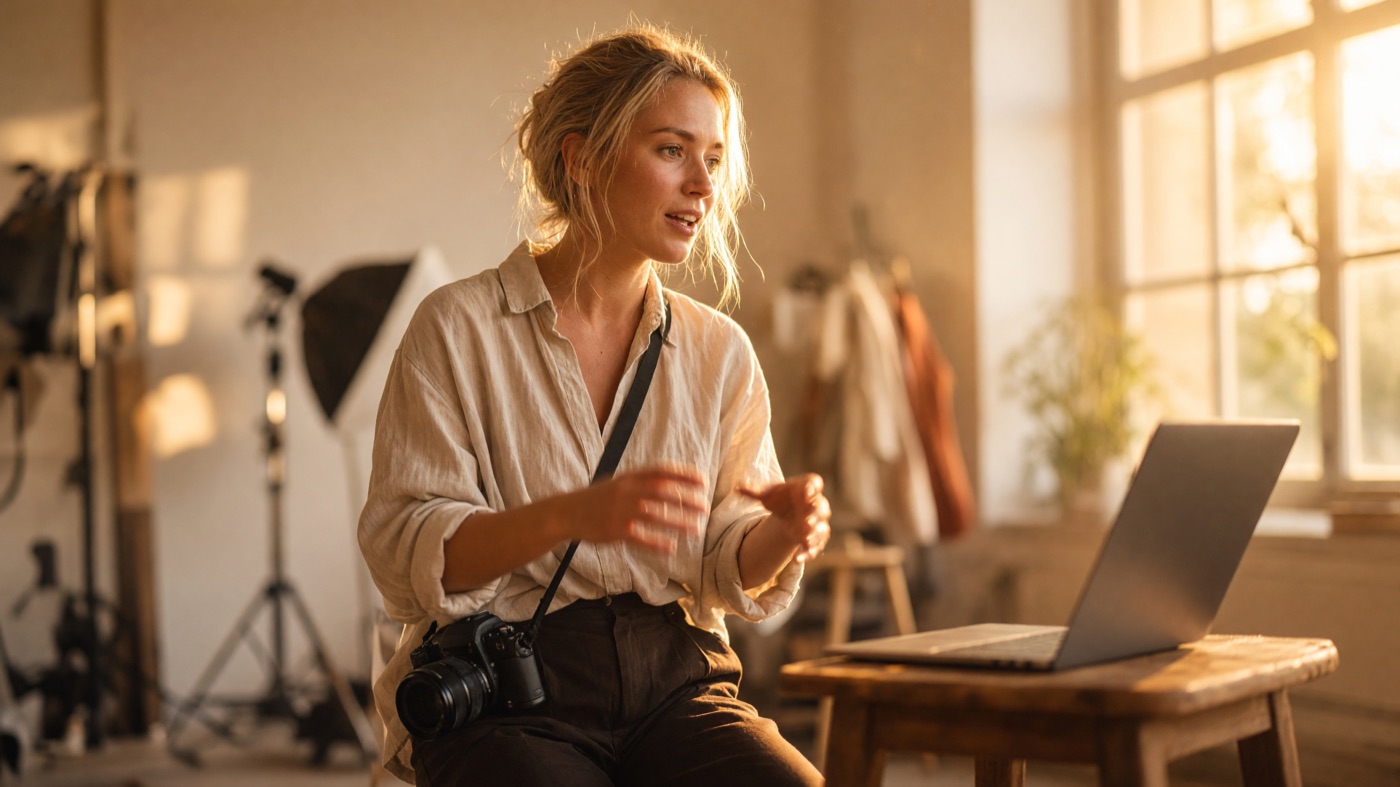 The photographer
Booking questions, gallery deliveries, timeline changes, that one client who writes four paragraphs. Client communication is the part of the job nobody puts in the portfolio, and it never stops while you're behind the camera.
Talk your replies out while you pack gear or wait on an upload. Warm, complete answers in the time it used to take to type a rushed one. The stress was never the clients. It was the keyboard between you and them.
I answer twelve emails in the time one used to take. Clients think I hired help.
“I used to block off Sunday nights just for client emails. Now I dictate replies between edits all week, in the app I'm already in. My Sundays are mine again, and my clients get answered faster than when I was dreading it.”
“Gallery delivery notes used to be the copy-paste template everyone gets. Now I dictate something specific to each family while I still remember the session, and it takes ninety seconds instead of ten minutes.”
“I shoot brand campaigns and every client wants a status update. I dictate mine while I'm culling, hands never leaving the mouse. My reply times went from days to hours.”
Every message you dictate might carry a client's name, their home address for an in-home session, their wedding date, or the terms of a signed contract. Cloud dictation tools send that audio to someone else's servers. OpenWhisper does the entire job on your hardware, and the only network request it ever makes is downloading the model, once.
OpenWhisper runs Whisper through Core ML on the Apple Neural Engine, the chip your Mac already paid for. No servers to rent means nothing to slow you down while Lightroom is chewing through a shoot in the background, and no subscription to justify come tax season.
Transcription runs on dedicated ML silicon, not your CPU, so exports and culling in Lightroom stay smooth while you dictate.
A hardware-aware recommendation on first run. After that, dictation works on set, on a plane, or at a barn venue with no signal.
A menu bar app that idles quietly and wakes when you hold the key. No Electron, no daemon farm eating your battery on a shoot day.
Fair questions. Here's the honest answer to each.
It transcribes what you actually say, in your voice and phrasing, then cleans up capitalization and punctuation. It doesn't rewrite your tone into corporate copy. If you're warm when you talk, and you are, that's why clients book you, the text reads warm. The email up the page was spoken exactly the way it reads.
Whisper is genuinely strong with names in context, and the custom dictionary lets you teach it recurring names, your studio name, and the venues you shoot most. Add Saoirse once and it's Saoirse forever, not "sear sha."
That's the whole design. Hold one key, talk, let go. There's no screen to look at and no menu to navigate mid-dictation. Camera bag on the shoulder, coffee in the other hand, reply sent.
Audio is processed entirely on your Mac and never stored, period. Transcribed text is saved locally so you can search your own history, but nothing about a client, a contract, or a shoot ever touches a server. There's no account, so there isn't even a login to leak.
Four modes. Clean for client email, Message for casual DMs, Voice for a closer raw transcript when you're taking scouting notes, Code if you ever touch your website. Switch from the menu bar in one click.
You get 14 days with every feature, on real client replies, before paying anything. No card, no account, no cancel-by-Tuesday trap. If it isn't obviously earning back your evenings by day five, delete it and you've lost nothing.
Not a subscription you have to remember to cancel. One purchase, every feature unlocked, running quietly on the Mac you already shoot and edit on.
What does one booked wedding, one family session, one brand day pay you? Bookings are won and lost in the inbox: the fast, warm, complete reply gets the client. If faster replies ever save you a single booking, this pays for itself many times over. And if it merely saves you the typing, it's still cheaper than one more year of a $15-a-month cloud tool.
Try it free for 14 days on real client replies, real gallery notes, real bookings. If it doesn't earn back your time, don't buy it. Nothing to cancel, nothing to remember, nothing charged.
Cloud dictation rents you your own voice, month after month, forever. OpenWhisper is software the old way: you buy it once, it runs on your hardware, and it owes nothing to a server bill while you're between clients.
No seat licenses, no usage tiers, no price hike email next spring. You know this model. It's how you sell prints, not subscriptions to prints.
One-time purchase. Yours forever.
You already answer every client. The only question is whether you keep doing it at 40 words a minute, at midnight, on a keyboard, or at 150, out loud, between shoots, with every word staying on your own Mac. The trial is free for two weeks, needs no card, and runs on real client work. If your evenings don't come back, delete it. If they do, it's $196.97 once, and you never think about it again.
Try every feature free for two weeks on real client replies, real gallery notes, real bookings. No account to create, no card to enter, nothing phoning home while you decide. Keep it and it's $196.97, once. Delete it and it's gone.
Start free trial macOS 14 or later. Apple Silicon recommended.